Every lead, from every channel, into one contact record.
A chat message at 9pm, a form filled on a Saturday, a booking taken while you’re on a job. Complete360’s lead capture tools put all of it in the same place, tagged and timestamped, with follow-up already running before you’ve read it.
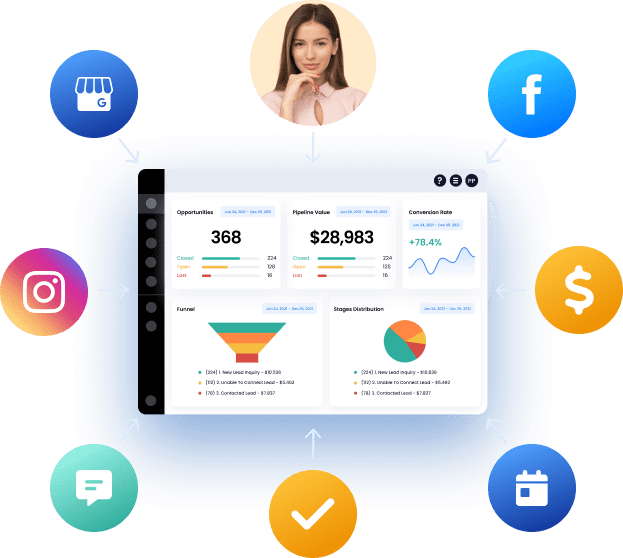
Five ways a lead reaches you
Each one feeds the same contact record, so a person who chats on Monday and books on Thursday is one lead with a history, not two strangers.
Social Media Management
Plan and publish to every profile from one calendar instead of five apps.
Read on ↓Website Chat Widget
Answer visitors on the page, and keep the conversation by text after they leave.
See the chat widget →Forms & Surveys
Ask the qualifying questions once, and have the answers on the record.
See forms & surveys →Online Appointment Booking
Let people book a real slot themselves, with reminders that cut no-shows.
See online booking →Websites & Funnels
Pages built to collect a contact, not just to look good.
See website templates →Catch the visitor before they close the tab.
Someone browsing your site can ask a question there and then. If they leave mid-conversation it carries on by text, so the answer still reaches them and you still have their number.
How the chat widget works →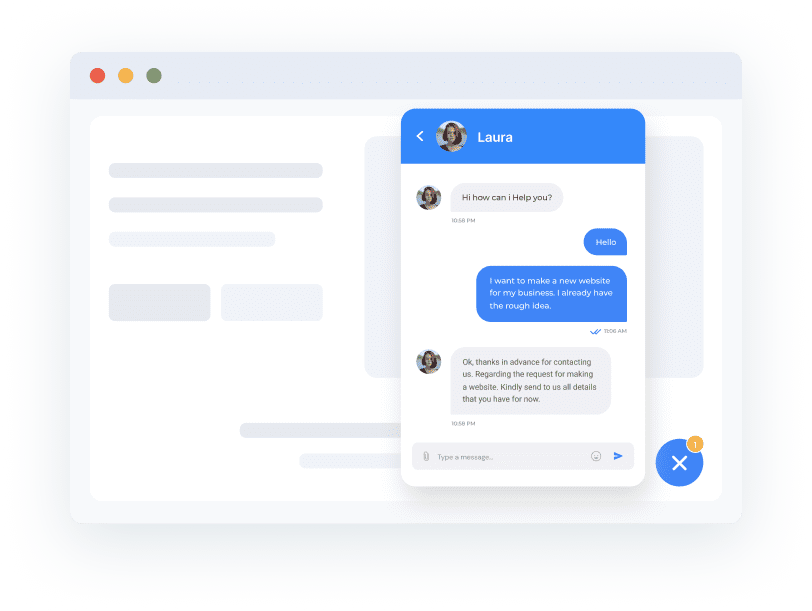
Ask the qualifying questions before the first call.
Build the form once and every answer lands on the contact record, so you walk into the conversation already knowing the job type, the timeline and the budget. Submitting a form can start the follow-up sequence on its own.
See forms & surveys →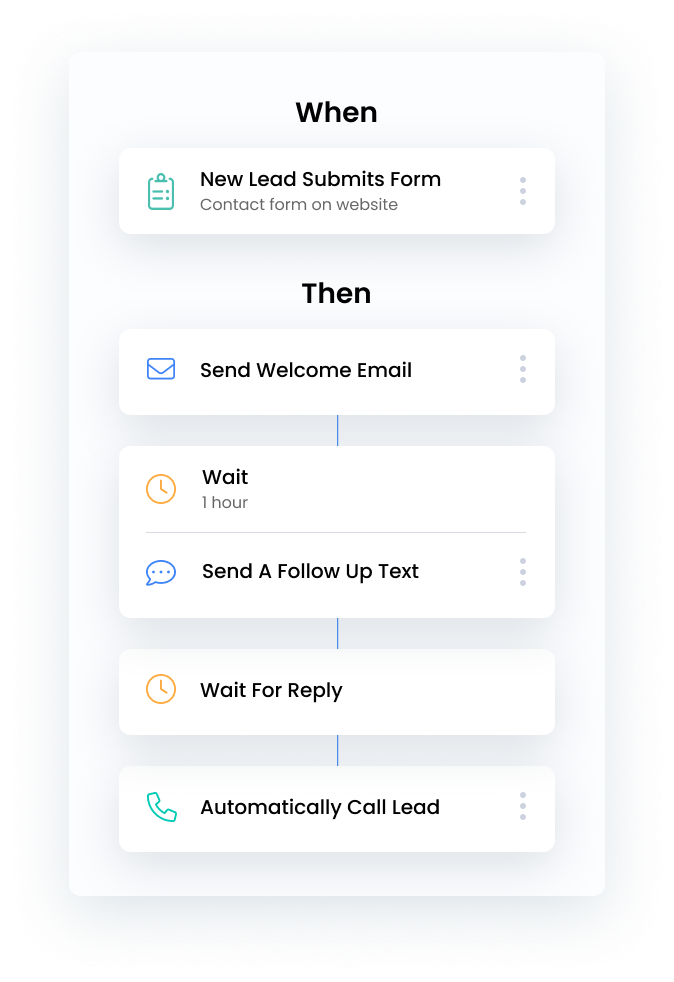
Let them book the slot instead of playing phone tag.
Your real availability, on a page they can book from at midnight. Confirmations and reminders go out automatically, which is the cheapest way there is to cut no-shows.
See online booking →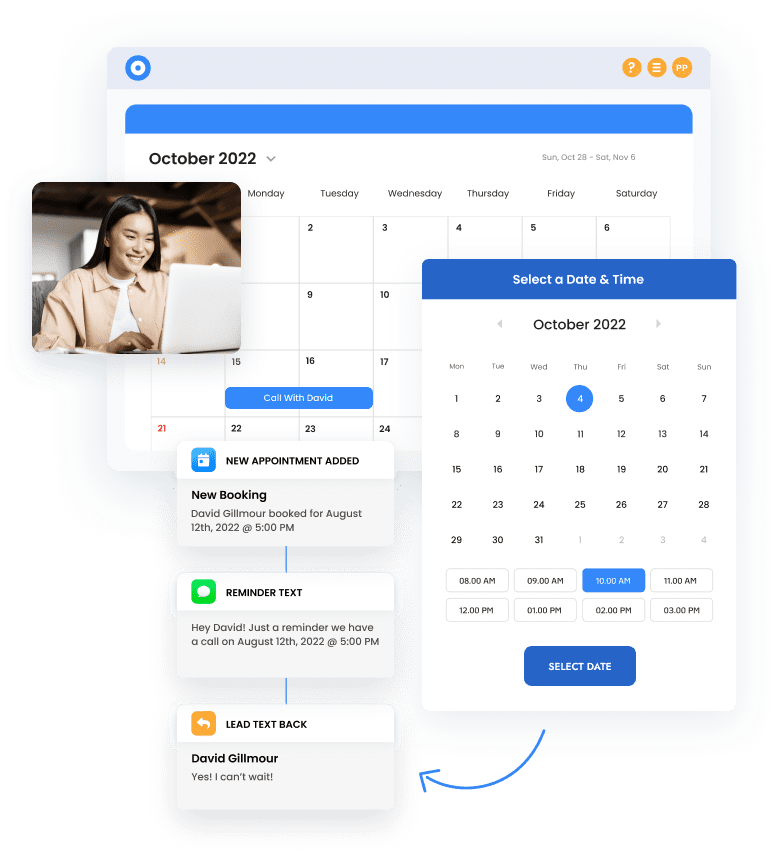
The page all of this sits on.
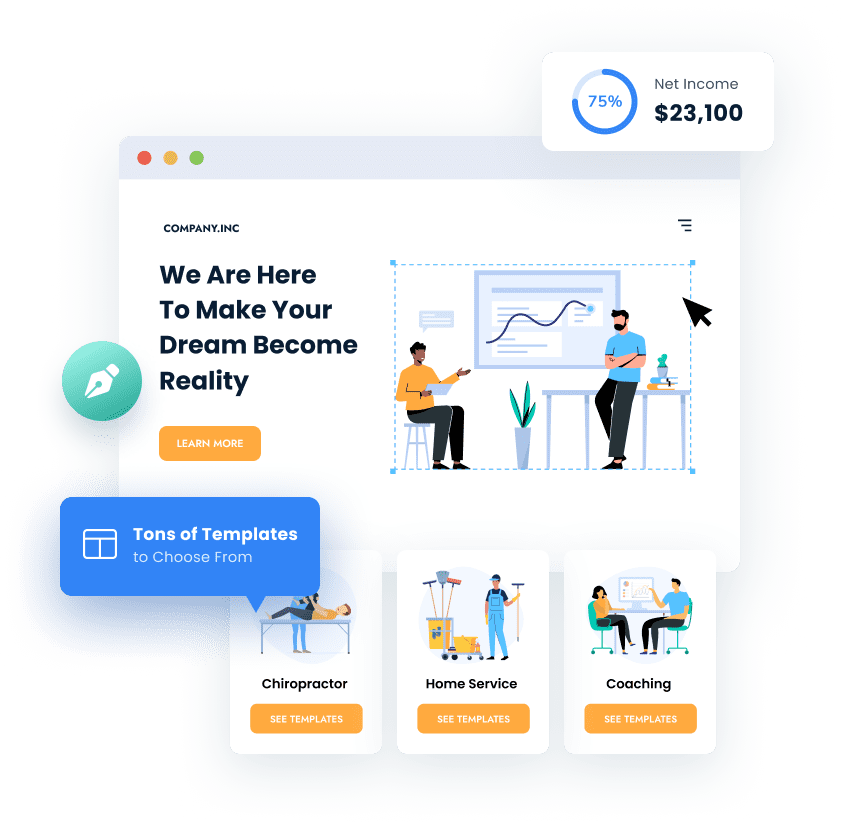
Chat widgets, forms and booking calendars need somewhere to live. Build pages yourself with the drag-and-drop builder, start from a template, or have us build the site for you — either way the capture tools are already wired in.
Stop losing the ones who already found you.
Capture is included on every CRM plan. Start the trial and we’ll wire up your chat widget, forms and booking calendar with you on the first call.
14-day free trial · credit card required to start · cancel anytime
Capturing the lead is step one
What happens next is what turns it into a customer.
Capture
Every enquiry lands on one contact record, whatever channel it came from.
Nurture
Automatic follow-up by text, email and call — more times than anyone would remember to.
Step 3Close
See who’s ready, send the invoice, take the payment, ask for the review.
Post everywhere without opening five apps.
Write the post once, pick the profiles, and schedule it. Facebook, Instagram, Google Business Profile, LinkedIn and the rest publish on their own while you get on with the work — and everything you’ve planned sits on a single calendar instead of in your head.
-
Plan a month of posts in one sitting and let them go out on schedule
-
One calendar across every profile, so you can see the gaps before they happen
-
Posting to your Google Business Profile keeps the listing active, which is the
profile most local customers actually see
-
See which posts brought people in, not just which got likes
Included on every plan — see pricing →